Breach the Bastion Spire Deck Builder Scripts & Automation
What community scripts automate in this Slay the Spire-inspired Roblox deckbuilder—and how to stay safer while testing them.
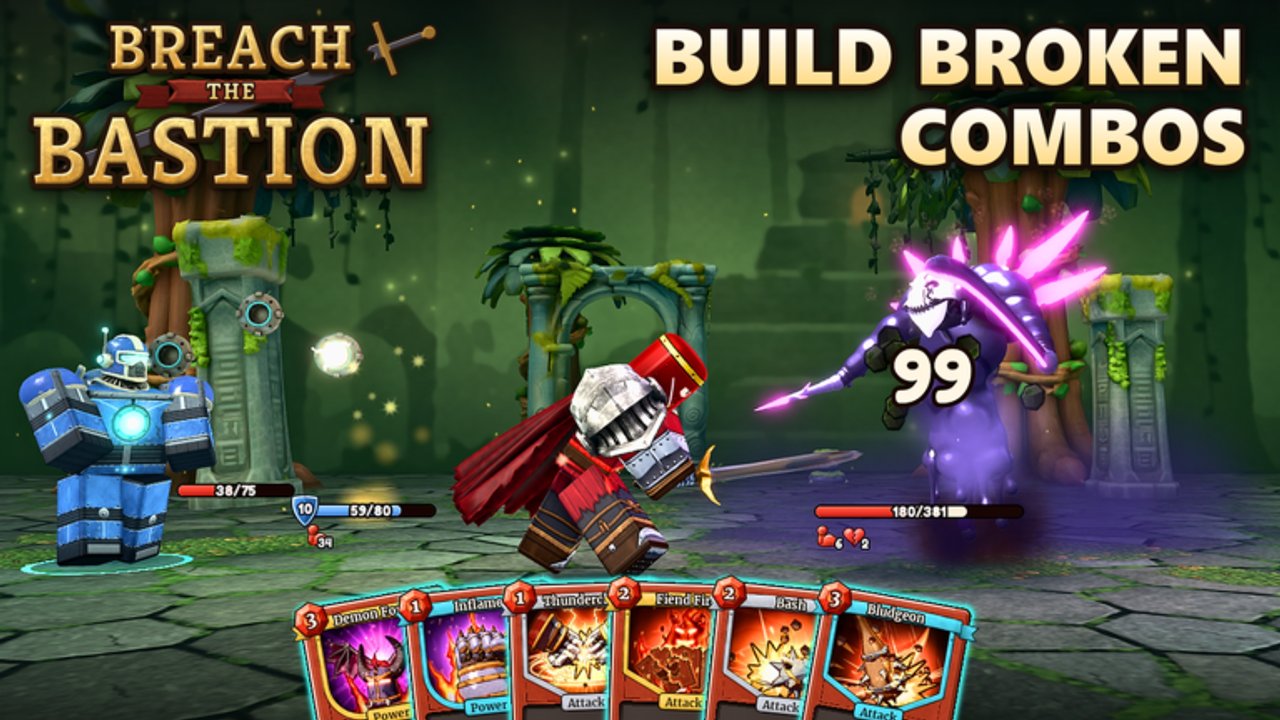
Community scripts for Breach the Bastion: Spire Deck Builder focus on the parts of a roguelike climb that repeat the most: resolving combat turns, picking a map node, grabbing rewards, sipping potions, and pushing ascension. This hub explains what those tools usually automate, who they are for, and the account risks you should accept before you paste any loadstring.
Breach the Bastion is a strategy / board & card experience on Roblox with solo runs or co-op for up to four players total. Scripts do not change the official ruleset published by Cheesy Games Studios OriginalsTM—they sit on the client side and can violate Roblox Terms of Use. Treat everything here as unofficial, optional, and potentially ban-worthy.
What scripts try to solve
A typical Breach the Bastion automation pack targets the full run loop rather than a single button:
- Smart auto combat — plays turns with basic priority instead of random spam.
- Auto potions — uses or holds potions based on HP thresholds.
- Auto path — prefers elites, safer nodes, or rush routes depending on the mode you pick.
- Auto rest — rests when the heal is worth more than the next fight.
- Auto rewards — picks cards or skips with a simple heuristic.
- Card / relic selection — ranks offered cards and relics for the current class plan.
- Auto merchant — buys key upgrades or removes junk when gold allows.
- Auto events — resolves event choices with a preset policy.
- Auto run — chains floors until death or victory.
- Ascension progression — queues higher difficulty after wins.
If you only need one deep dive, start with Auto Combat Script—that page includes the loadstring, feature notes, and the showcase video.
Who should (and should not) use them
Reasonable use cases
- Learning enemy patterns while watching an auto combat demo.
- Farming familiarity with map layouts on an alt after you already understand manual play.
- Accessibility needs where holding every click is painful (still understand the ToS risk).
Poor use cases
- Jumping straight into ranked-feeling co-op with friends who expect human decisions.
- Blindly auto-picking every relic without reading what Happy Flower-style synergies actually do.
- Running automation on a main account that holds limited cosmetics or spent Robux.
If you are brand new, spend real runs with the Guides Hub and a class tier snapshot first. Scripts amplify whatever plan you already have; they will not invent a good Brewer or starter deck for you.
Safety notes (read before any loadstring)
- Prefer an alt account. Roblox can moderate injected clients. Never test unknown scripts on the account you care about most.
- Expect sudden breakage. Patches—especially class launches like Brewer—can desync auto path or reward logic overnight.
- No password sharing. Legitimate script instructions never need your Roblox password or email code.
- Executor risk is separate from game risk. Third-party executors can themselves be malicious. This wiki documents community features; it does not endorse any executor brand.
- Co-op courtesy. Auto run in a live four-player lobby can soft-lock events or pick cards your teammates hate. Ask before enabling automation in shared climbs.
- Uninstall / disable between sessions. Leaving a script hooked increases the chance of odd UI states after a Roblox update.
Feature overview at a glance
| Area | Typical toggle | Why it matters |
|---|---|---|
| Combat | Smart auto combat | Speeds trash fights; still review boss turns |
| Map | Elites / safe / rush path | Controls risk versus reward on the branching map |
| Recovery | Auto rest + potions | Keeps HP stable on long ascension pushes |
| Economy | Auto merchant | Removes starter junk or buys key relics |
| Progression | Auto run + ascension | Farms clears while you watch |
Use the toggles deliberately. “Rush + never rest” is a different game from “safe path + potion-first,” and both can be wrong for your current deck.
How this wiki covers scripts
- Auto Combat Script — full feature write-up, loadstring block, and YouTube showcase (
zg8-acnc5n8). - Guides Hub — manual fundamentals so you can override bad auto picks.
- Tier List Hub — which classes and cards deserve priority when a script asks you to choose.
- Tools Hub — human checklists if you would rather path without automation.
We do not host malware, phishing pages, or “free Robux” side loads. If a mirror asks you to log in through a fake Roblox form, close it.
Manual play still wins mastery
Even if you experiment with automation, learn:
- When to take an elite for a relic versus a safe hallway.
- How potion timing saves a boss that auto-potion mismanages.
- Why card remove at the merchant beats greed-buying every rare.
Those instincts transfer to co-op callouts and make you faster than a script when the UI changes. Pair this hub with Getting Started and keep scripts as an optional layer—not your only teacher.
Related pages
- Auto Combat Script
- Guides Hub
- Tier List Hub
- Codes Hub — claim 1KCCU Map Ink before long farm sessions
Stay skeptical, use alts, and double-check every loadstring you paste.
Frequently Asked Questions
Quick answers to the most common questions.
Are Breach the Bastion scripts allowed?
Scripts that inject into the Roblox client generally violate Roblox Terms of Use and can risk moderation. This hub documents community tools for awareness only—use an alt and accept the risk.
What can the auto combat scripts automate?
Common packs cover smart auto combat, potions, pathing (elites/safe/rush), rest, rewards, card and relic picks, merchant buys, events, full auto runs, and ascension progression.
Should I use scripts on my main account?
No. Prefer a throwaway alt. Mains that hold limited rewards or purchases are poor test beds for injected clients.
Where is the loadstring?
See the Auto Combat Script page for the pastebin loadstring, feature details, and showcase video. Do not run strings from random DMs.
Do scripts replace learning the deckbuilder?
No. Automation copies a policy; it does not teach elite timing, potion discipline, or co-op communication. Learn the guides first.