Breach the Bastion Spire Deck Builder Auto Combat & Auto Run
Smart combat, path modes, potions, rewards, and a community loadstring—with clear alt-account warnings.
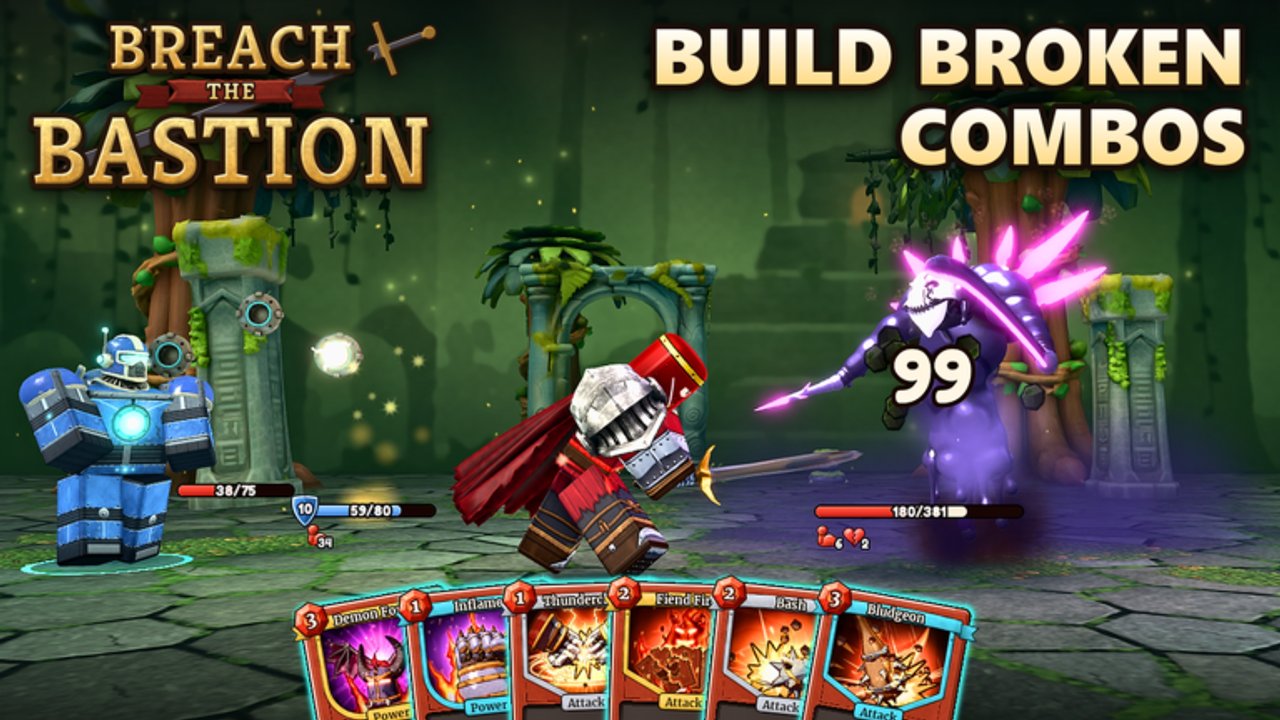
This page documents a widely shared auto combat / auto run script used by Breach the Bastion players who want the client to resolve repetitive Spire-style decisions. It is unofficial, can break after patches, and may violate Roblox rules. Read the safety section before you touch an executor.
What this script is for
Breach the Bastion: Spire Deck Builder chains map nodes, card rewards, rests, merchants, and combats into long climbs—solo or with up to three friends. The automation layer aims to:
- Play combat turns with a “smart” priority instead of clicking every card blindly.
- Choose map paths with elites, safe, or rush bias.
- Trigger auto potions and auto rest when HP logic says so.
- Grab auto rewards, including card and relic selection helpers.
- Handle auto merchant purchases/removes and auto events.
- Keep auto run going and push ascension progression after clears.
Use it to study pacing or to AFK-practice layouts on an alt—not as a substitute for reading How to Play fundamentals.
Showcase video
Watch the embedded showcase for a live look at auto combat behavior in Breach the Bastion. Compare what the script prioritizes with how you would path manually; pause whenever it greed-takes an elite your deck cannot survive.
Loadstring
Paste the following only inside a tool you already trust, on an alt account, after you understand the risks:
loadstring(game:HttpGet("https://pastebin.com/raw/VXwzuxvx"))()Notes:
- The string pulls a remote script at runtime; content can change without this wiki noticing.
- If Pastebin is blocked on your network, the load will fail—do not “fix” that by downloading random reuploads from strangers.
- Never send your Roblox cookie or password to anyone claiming they can “activate” the script for you.
Feature breakdown
Smart auto combat
The combat brain tries to spend energy on sensible plays: block when telegraphing big hits, spend leftover energy on damage, and avoid obviously illegal card orderings. It is still a heuristic. Bosses that punish predictable patterns, or decks that rely on brew/setup turns (see Brewer), can outsmart a generic priority list. Sit with the client during first boss attempts.
Auto path (elites / safe / rush)
- Elites — maximizes relic opportunities; expect heavier damage and potion burn.
- Safe — favors hallway fights and rests; slower ascension but steadier HP.
- Rush — shortens the climb; great for testing decks, poor if your draw is inconsistent.
Flip modes between acts. A rush opener into an elites finale is a valid human strategy the script will only copy if you change the toggle mid-run.
Auto potions & auto rest
Potion logic usually fires under HP thresholds. That saves wipeouts on trash elites but can waste a strength potion before a boss. Rest nodes heal; skipping them while “rush” is on is intentional. If you are learning potion timing, disable auto potions for a few manual climbs.
Rewards, cards, relics
Auto reward and card/relic selectors rank offers with simple scores. They will not know your pet synergy—e.g. a Brewer leaning into Spores / Spore Burst may want different takes than a generic damage stack. Override picks when the offered rare breaks your plan.
Auto merchant & events
Merchants matter for card remove as much as buys. Confirm the script’s gold threshold before you let it spend everything on a mediocre relic. Event automation picks a canned option; read unfamiliar events yourself the first time they appear after a patch.
Auto run & ascension
Full auto run chains the climb until defeat or victory, then can bump ascension. Watch the first two ascension steps to ensure path logic still matches enemy scaling.
Safety checklist
- Use an alt—not the account with your rare cosmetics or Robux history.
- Disable automation in co-op unless every teammate agrees; bad auto card takes tilt lobbies fast.
- Re-test after content drops like Brewer Arrives when card pools change.
- Stop if the script opens unexpected prompts, asks for logins, or downloads extra executables.
- Keep manual tools handy: the Run Checklist and Scripts Hub safety notes.
Manual skills the script cannot replace
- Reading elite telegraphs unique to Breach the Bastion’s enemy set.
- Coordinating co-op focuses when four players share a node.
- Knowing when Map Ink rewards and codes like 1KCCU are claimed before a farm night (Codes Hub).
- Building intentional decks instead of accepting every automated rare.
Pair automation experiments with the Guides Hub and class write-ups so you can grab the mouse when the heuristic fails.
Related pages
- Scripts Hub — overview and risk framing
- How to Play — manual combat and pathing basics
- Tools Hub — human-run planners without injection
- Tier List Hub — priority hints when overriding auto card picks
If the loadstring stops resolving after a Roblox or game update, wait for a maintained reupload—do not install mystery “fixed” files from random chats.
Frequently Asked Questions
Quick answers to the most common questions.
What is the auto combat loadstring?
The commonly shared line is loadstring(game:HttpGet("https://pastebin.com/raw/VXwzuxvx"))(). Run it only with tools you trust and prefer an alt account.
Does the script support pathing modes?
Yes. Community builds typically expose elites, safe, and rush path biases along with auto rest, potions, rewards, merchant, events, and ascension progression.
Is there a showcase video?
Yes. This page embeds the Breach the Bastion auto combat script showcase on YouTube (id zg8-acnc5n8) so you can preview behavior before running anything.
Can I use auto run in co-op?
Only with explicit party consent. Automated card and event picks can conflict with teammates’ plans in a four-player lobby.
Will this get my account banned?
Injected scripts can violate Roblox Terms of Use. There is no guarantee of safety—use alts and assume moderation is possible.